
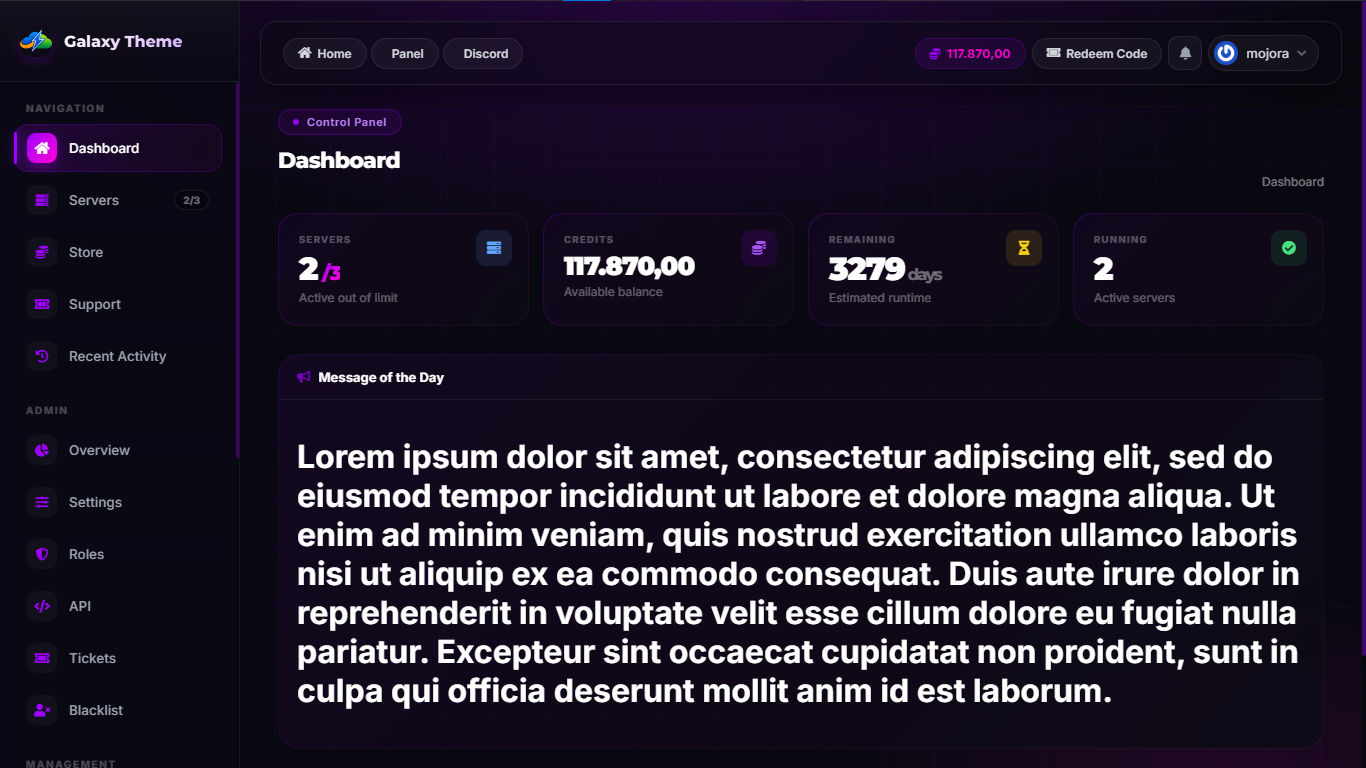
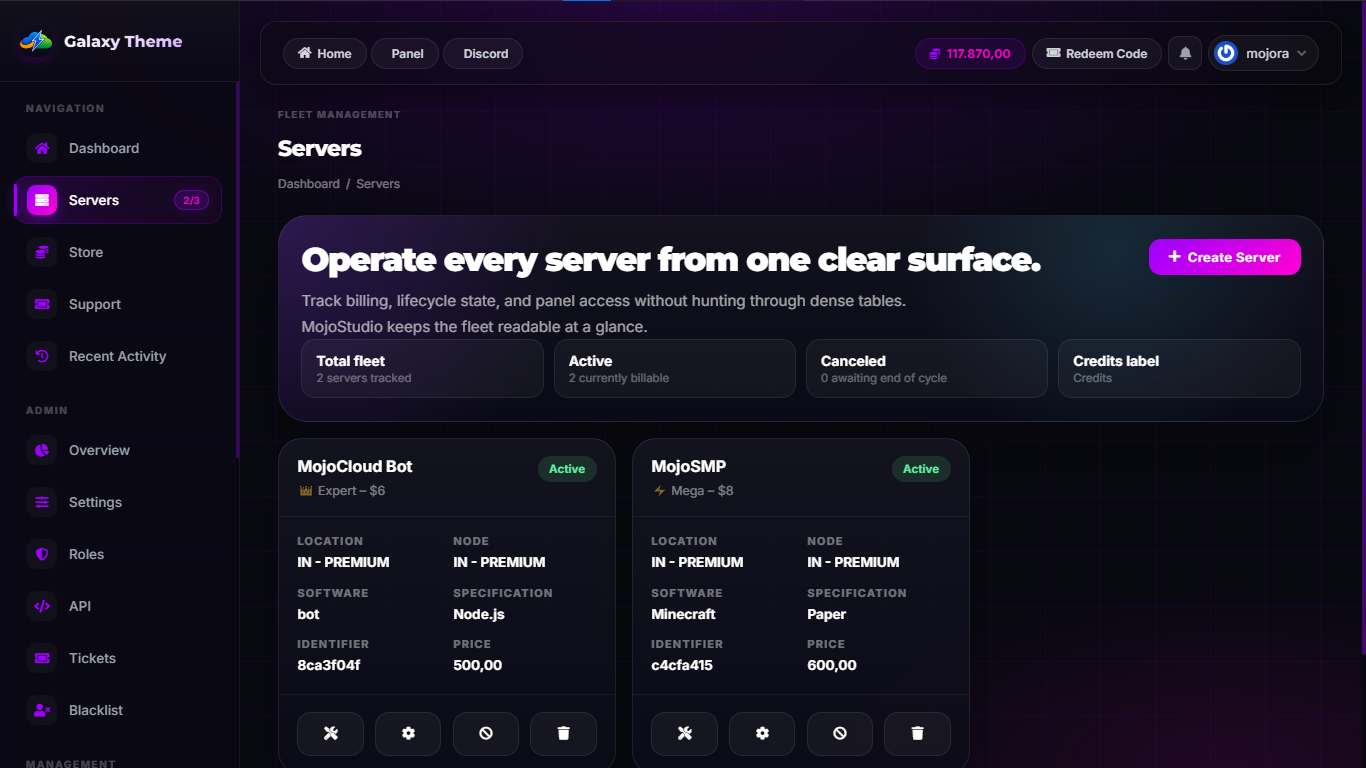
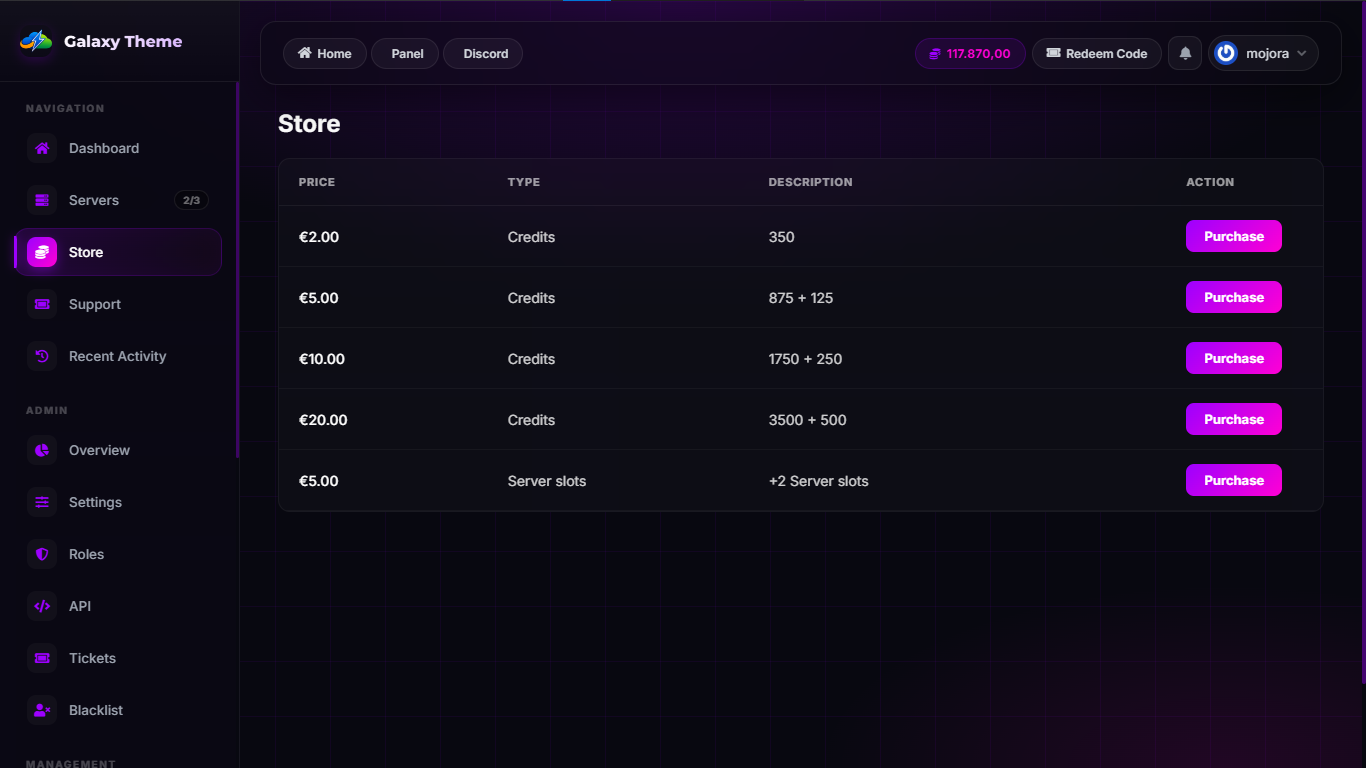
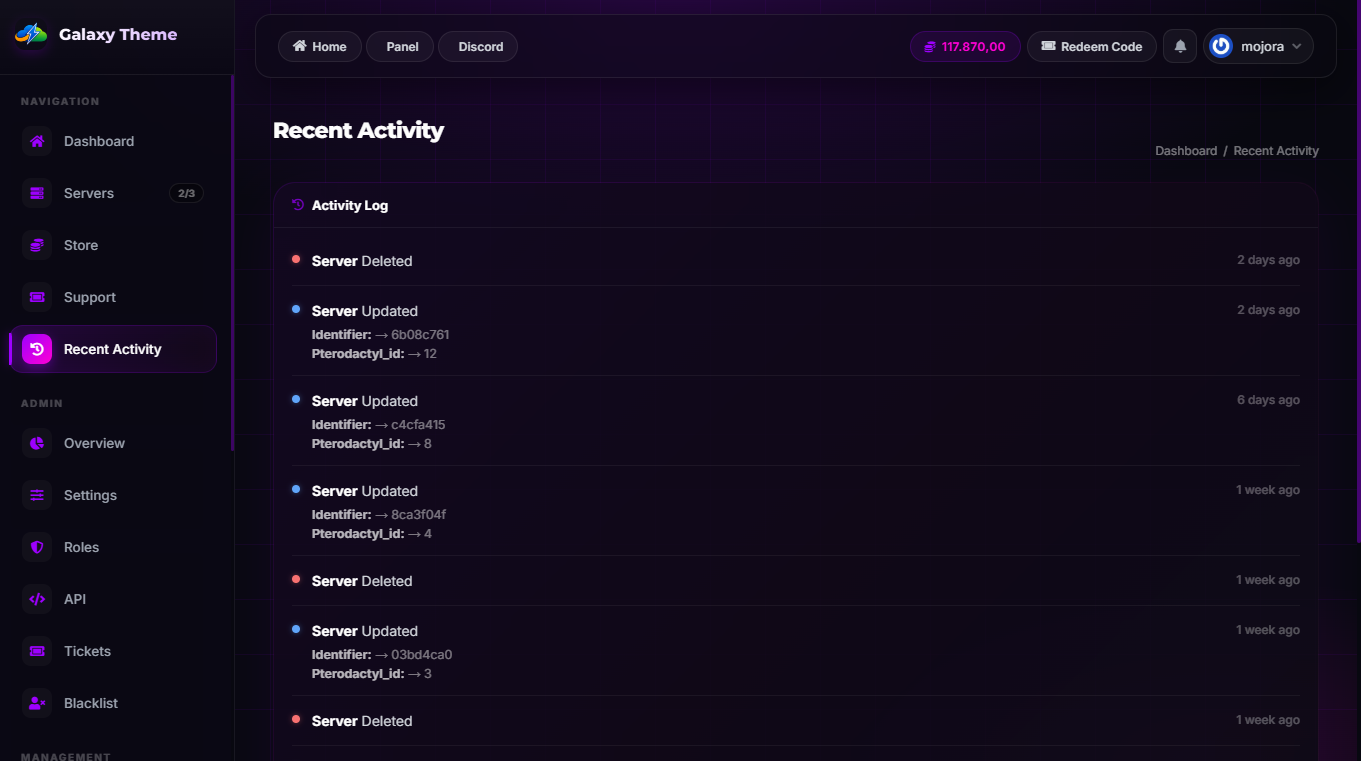
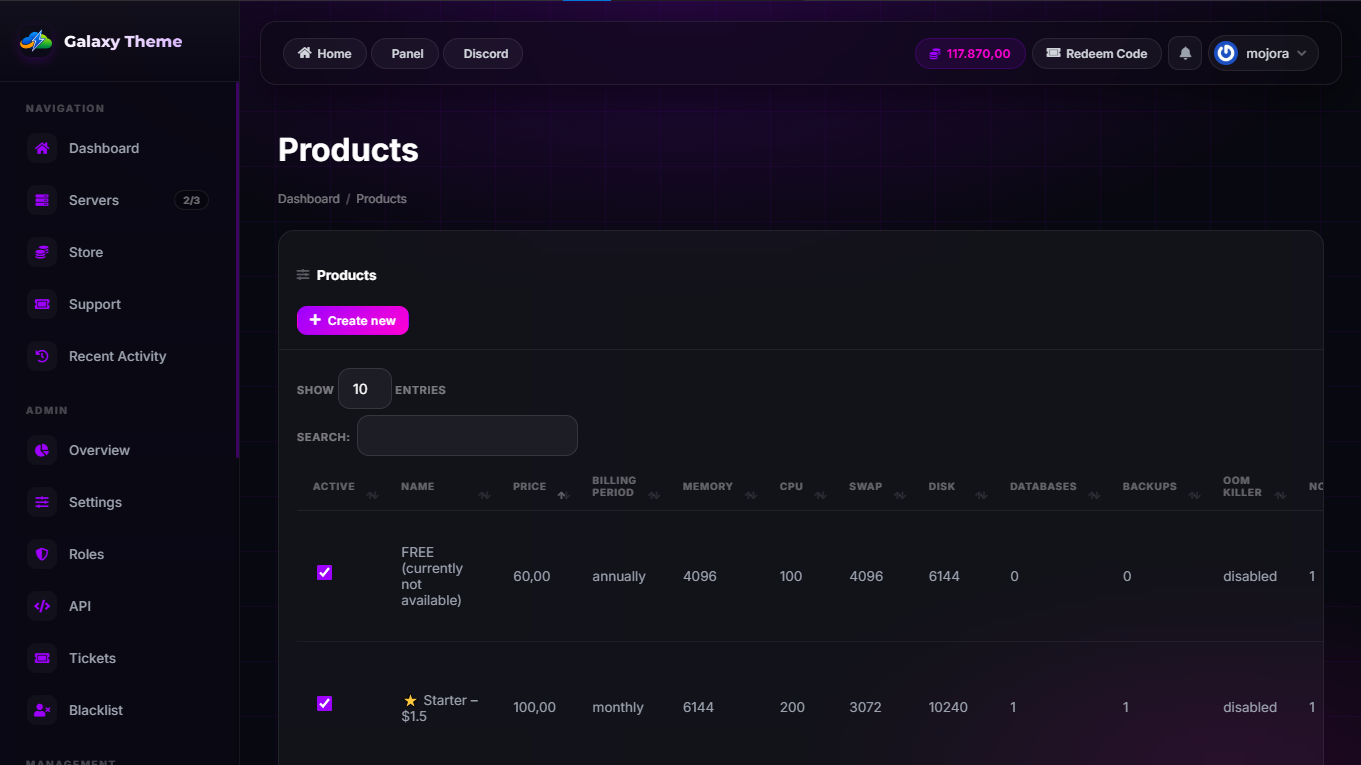
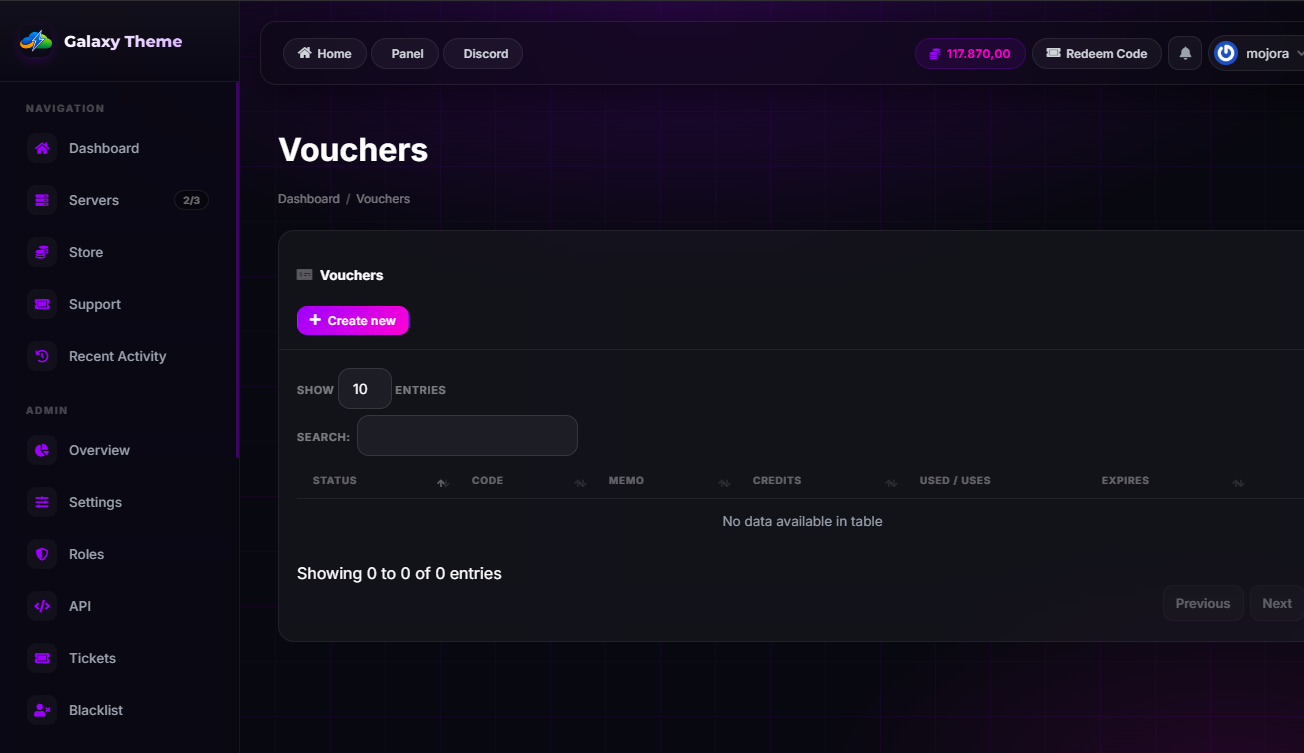
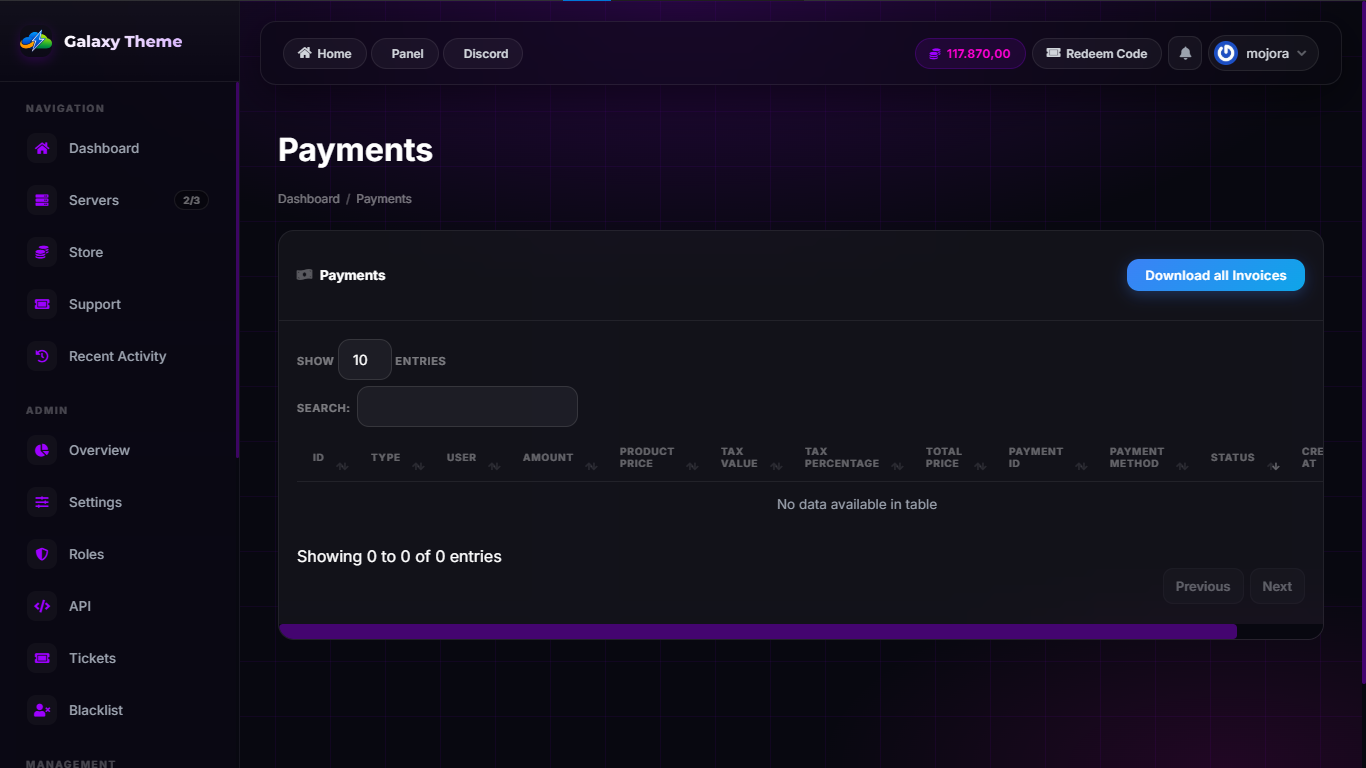
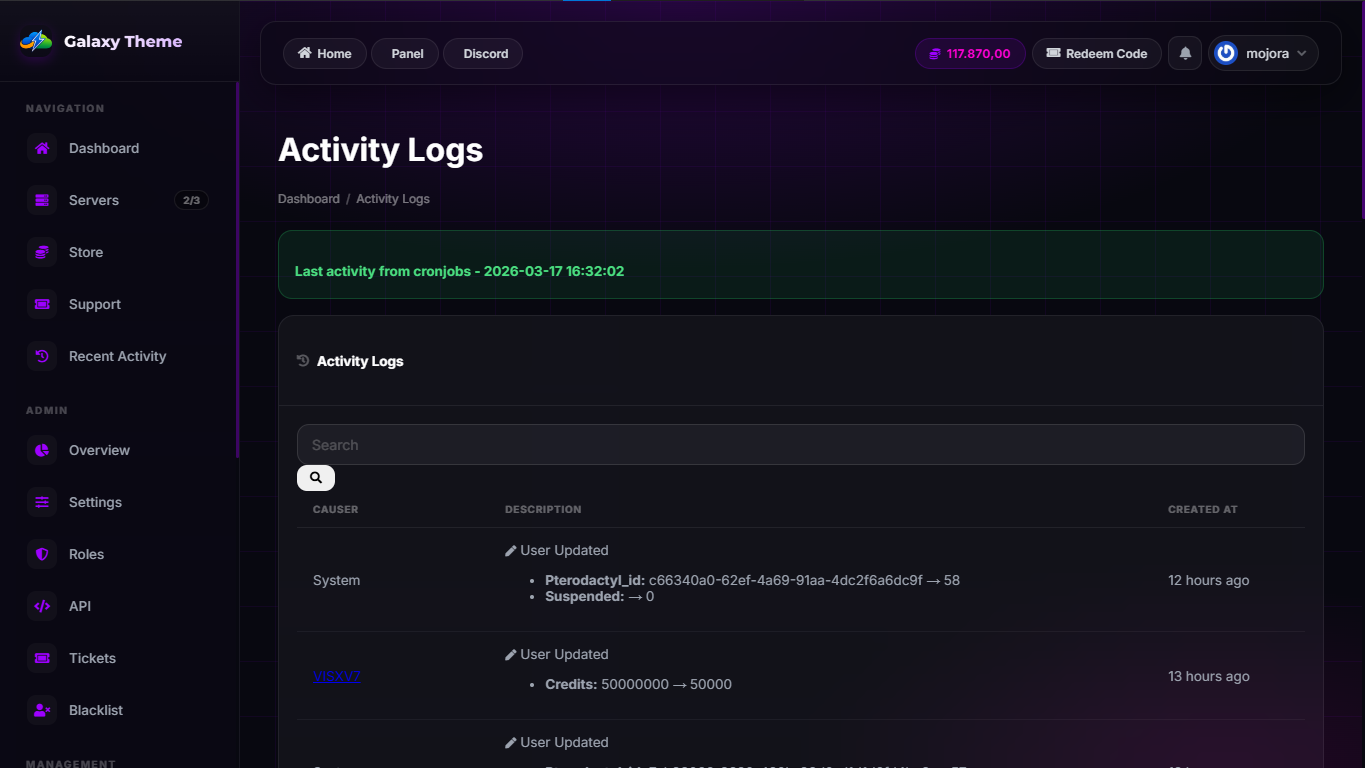
Description
⚙️ Installation Guide
📦 A detailed installation guide is included inside the ZIP file:HOW_TO_INSTALL.md
- 📁 Copy all files from
copy-from-meinto your CtrlPanel root directory:/var/www/ctrlpanel - 🔐 Fix file permissions by following the official CtrlPanel documentation.
- ⚡ Run the following command to clear cache:
php artisan optimize:clear - 🎨 Go to your CtrlPanel Admin Settings and set the theme to: “Galaxy”
- 🔄 If styles appear broken, perform a hard refresh: Ctrl + Shift + R
✅ Done! Your Galaxy Theme is now successfully installed.
💬 If you face any issues, feel free to contact me on Discord: @devmojora 🌐 Join our Discord community for updates, guides, and customization tips: https://discord.gg/vh8wsvx5Uw📜 Terms & Conditions
- 🚫 You may NOT resell this theme
- 💸 No refunds will be provided
- ❌ Do NOT copy or redistribute this theme
- 🔄 Updates are guaranteed
- 🛠 You are allowed to modify this theme for personal use